


Romania's plant protection registry,
always in your pocket.
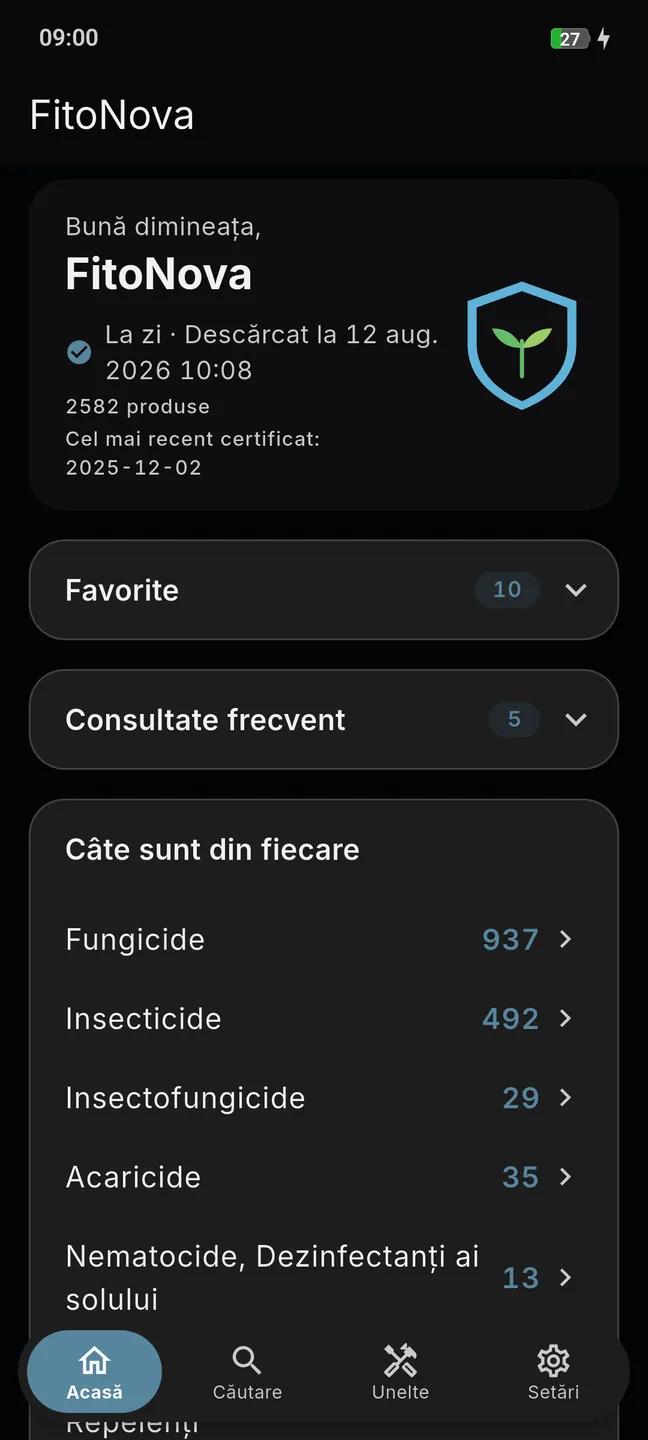
works just the same
DITHANE M 45 has been withdrawn
It is in your logbook, at North field.
Authorised until 31.12.2027
Dose calculator
2.5 ha · 2.0 kg/ha
5.0 kg

Why it matters
1,465
products in the registry are no longer authorised.
More than half of what still sits in the store and on old lists is no longer authorised. FitoNova keeps the two categories clearly apart, so that neither a spraying decision nor a sale over the counter rests on a three-year-old piece of paper.
1,117
authorised today
0 s
waiting time, offline
Features
A working tool, not a brochure
The national registry in the form you actually use it: on a phone, in seconds, even where there is no signal.
Data from the national registry, not copies off a forum
The catalogue mirrors the national authorisation registry. Every product, crop, dose and pre-harvest interval exactly as the official record has it, updated regularly as the registry changes. See where the data comes from and how often it is refreshed.
Source
The national authorisation registry (PESTEXPERT)
No recommendations of our own. No interpretation.
Withdrawal alerts
If a product in My products, or one you have entered in the logbook, loses its authorisation, your phone tells you when the catalogue updates. A register on paper never calls you back.
Offline after the download
In the field, the vineyard, the orchard, the greenhouse
The first download needs the internet. After that, search, the logbook and the calculator all run without a signal; sync collects the updates as soon as there is one again.
The logbook that takes the stress out of an inspection
Log a treatment in 30 seconds, straight from the product sheet. The columns are the ones the official treatment register requires, so at an APIA or ANF inspection there is nothing left to write up neatly. See the treatment log, screen by screen.
Demo
Six screens, one registry
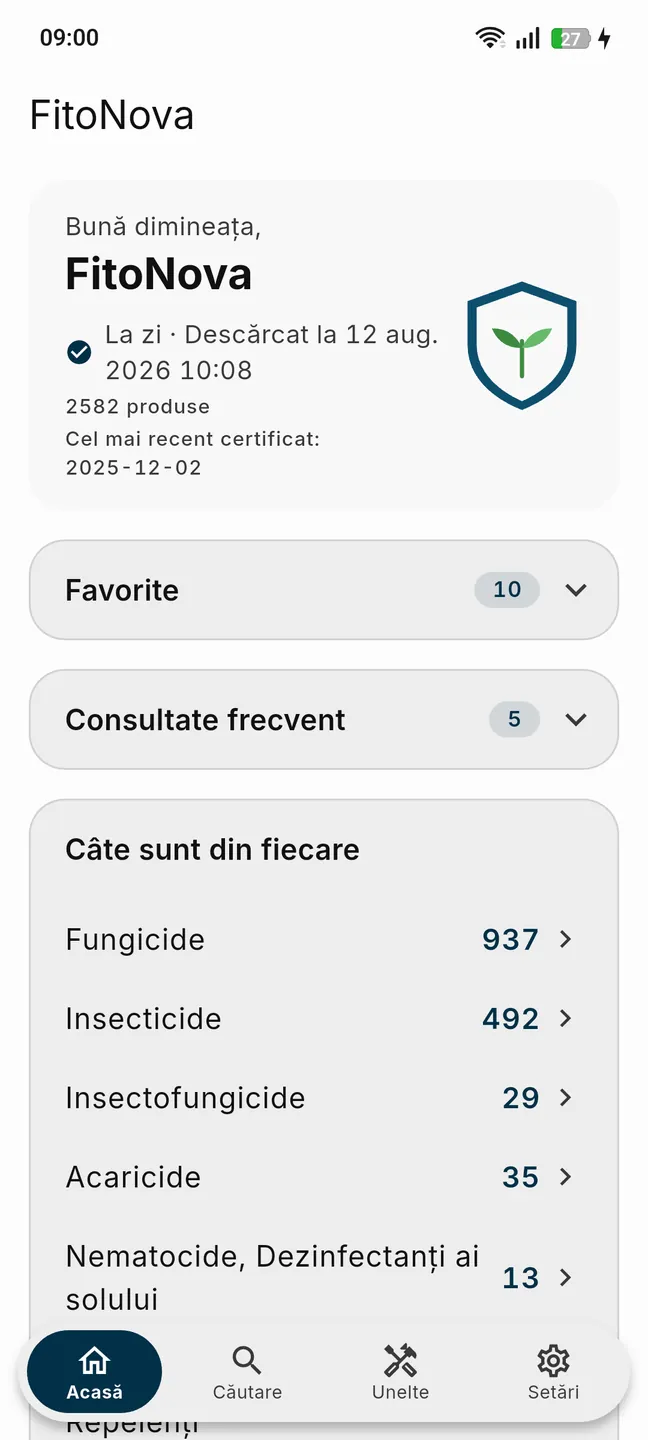
01Home
The catalogue, with its state in plain view
The first look of the morning: when the catalogue was downloaded, how many products it contains, what you have saved, and how many products there are in each registry category.
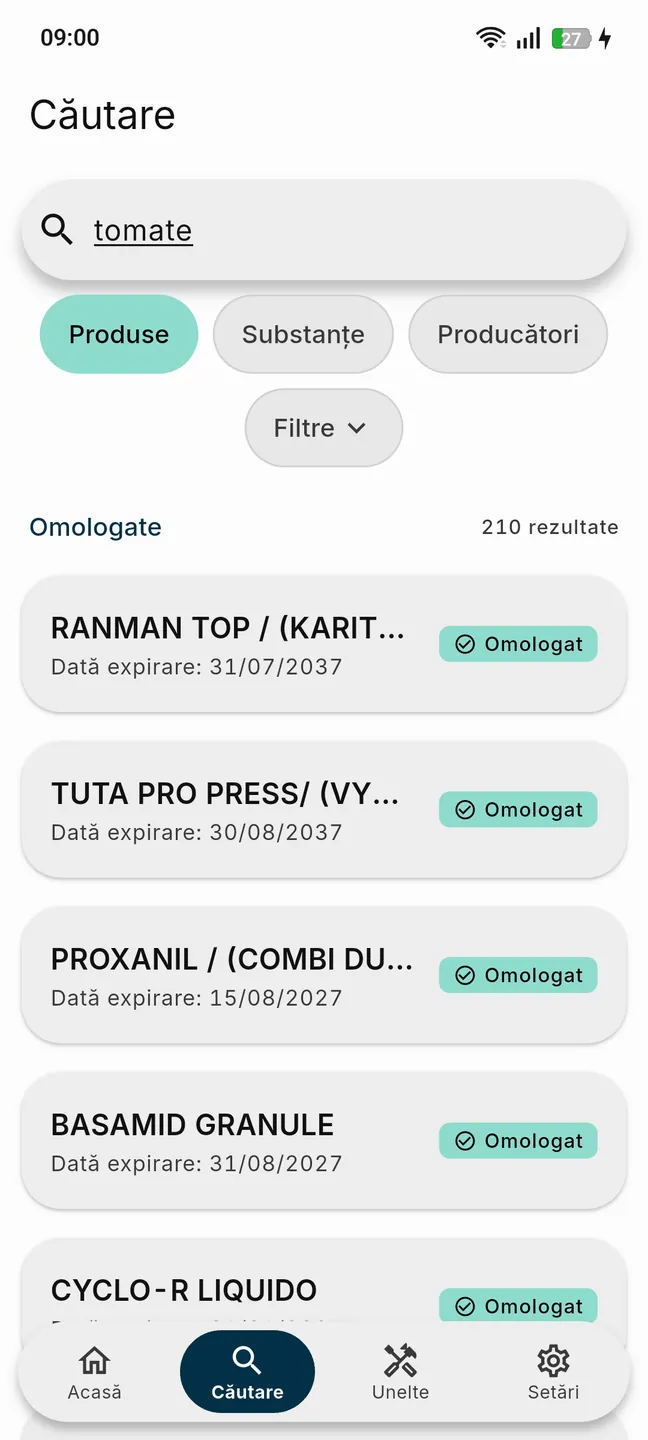
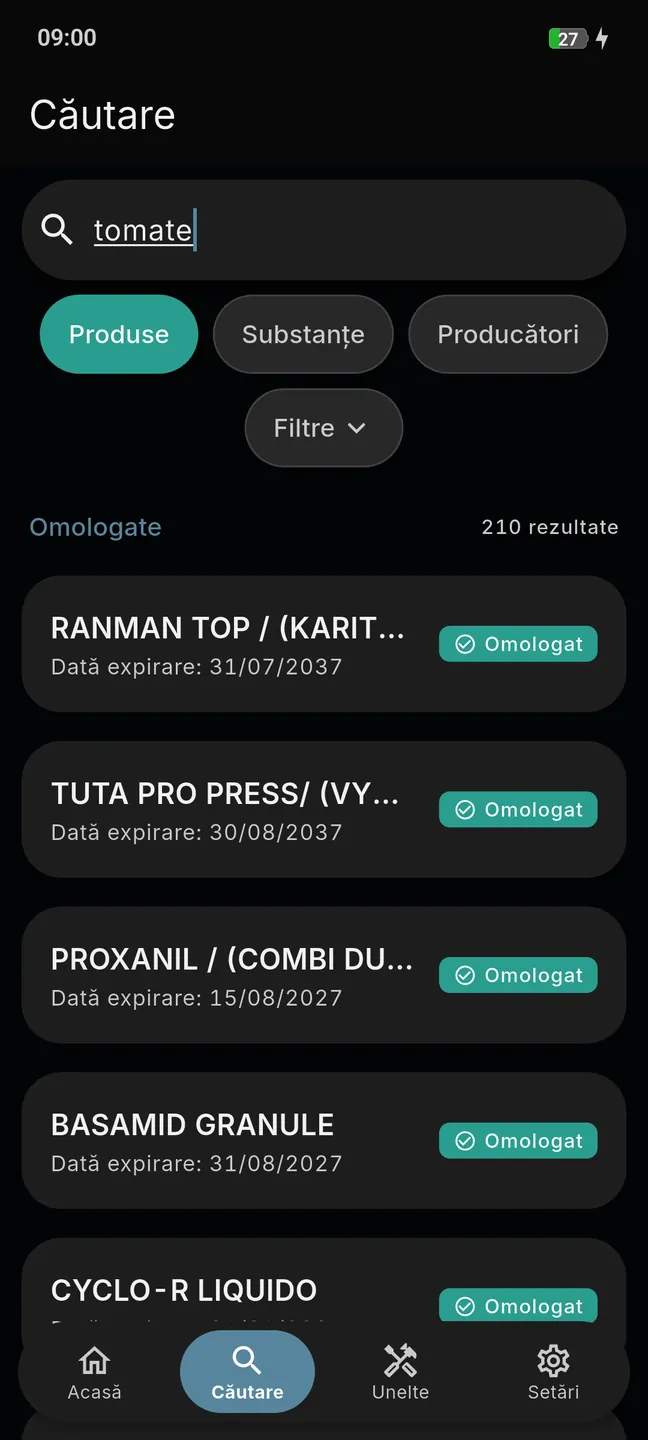
02Search
Find the product before you start the pump
Type three letters and the list narrows on the spot: product, active substance, crop (wheat, maize, potato, grapevine, apple), disease or pest. Nothing is fetched from anywhere — the catalogue is already on the phone.
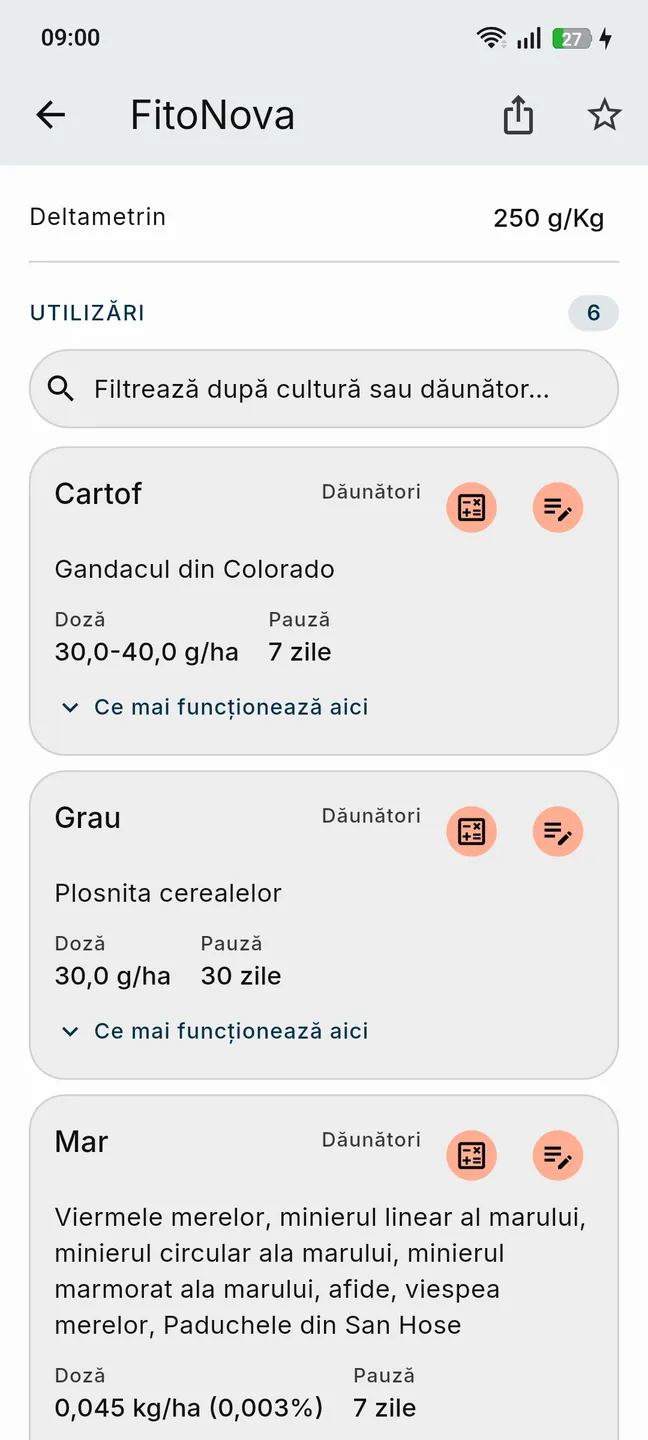
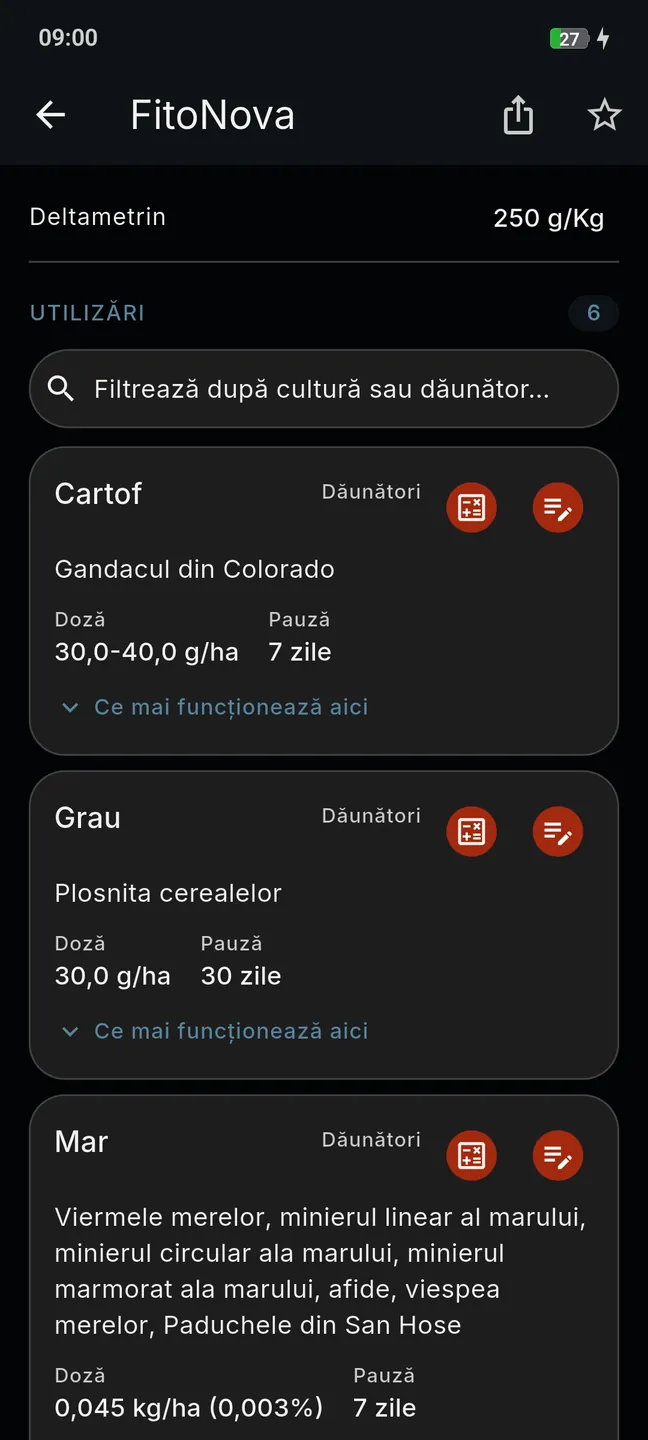
03Product sheet
Everything the registry says, on one screen
The authorisation number, the holder, the active substances, the crops with their doses and pre-harvest intervals — plus the authorised alternatives, if the product has been withdrawn. From here you can compare the product with another, or send it on as text or PDF.
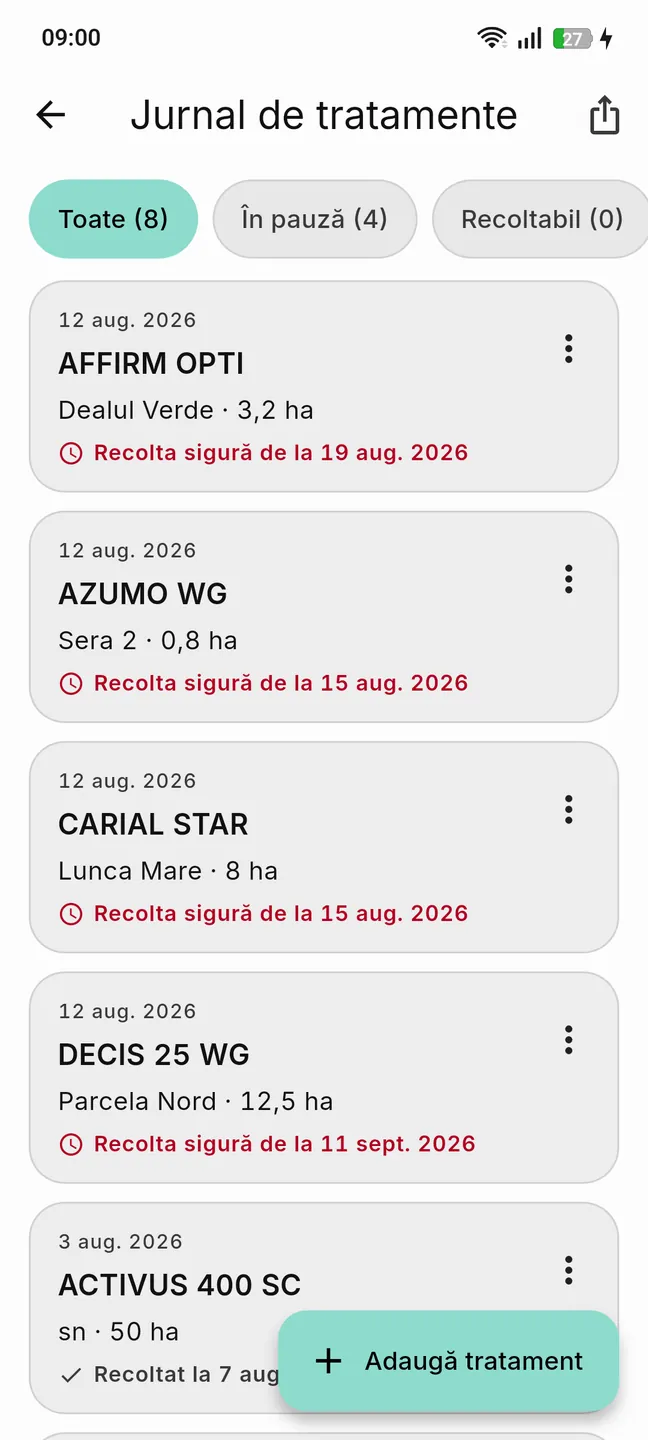
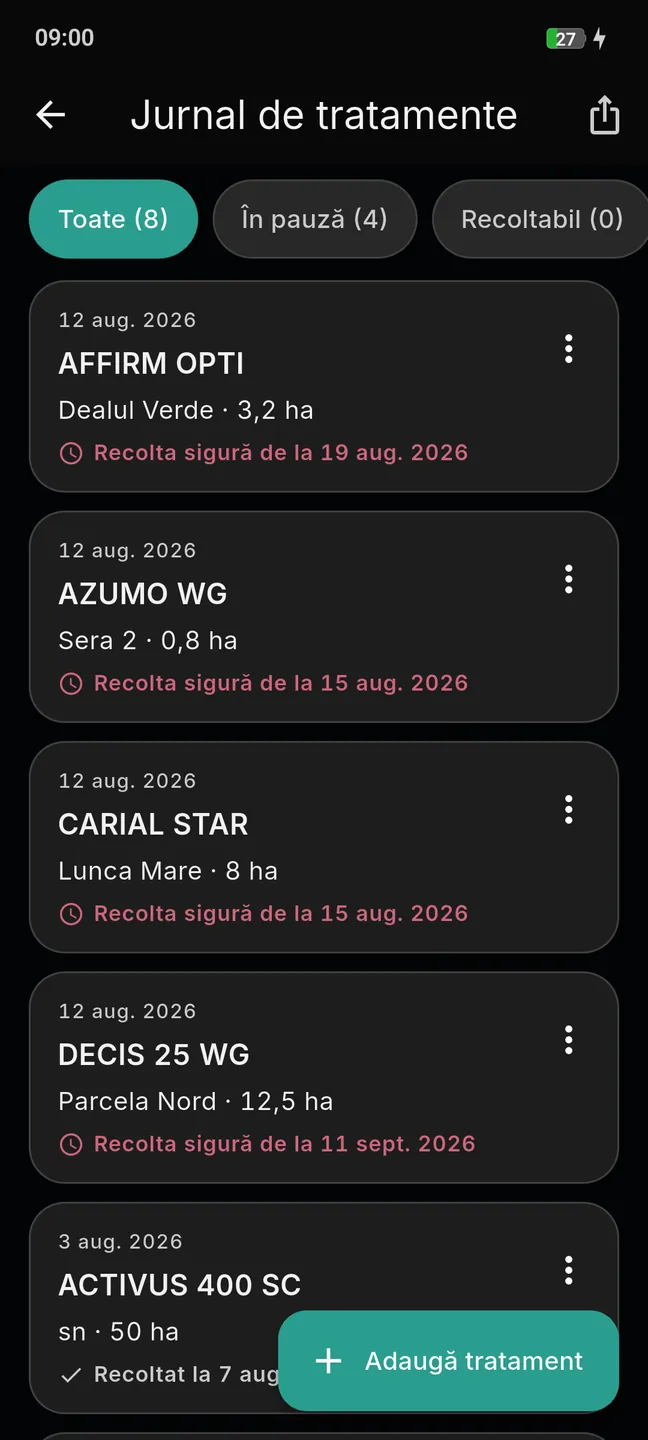
04Logbook
The treatment register, ready for inspection
Record a treatment in 30 seconds, or plan it ahead and let the app remind you. The logbook keeps exactly the columns the official register requires, and exports to PDF or Excel.
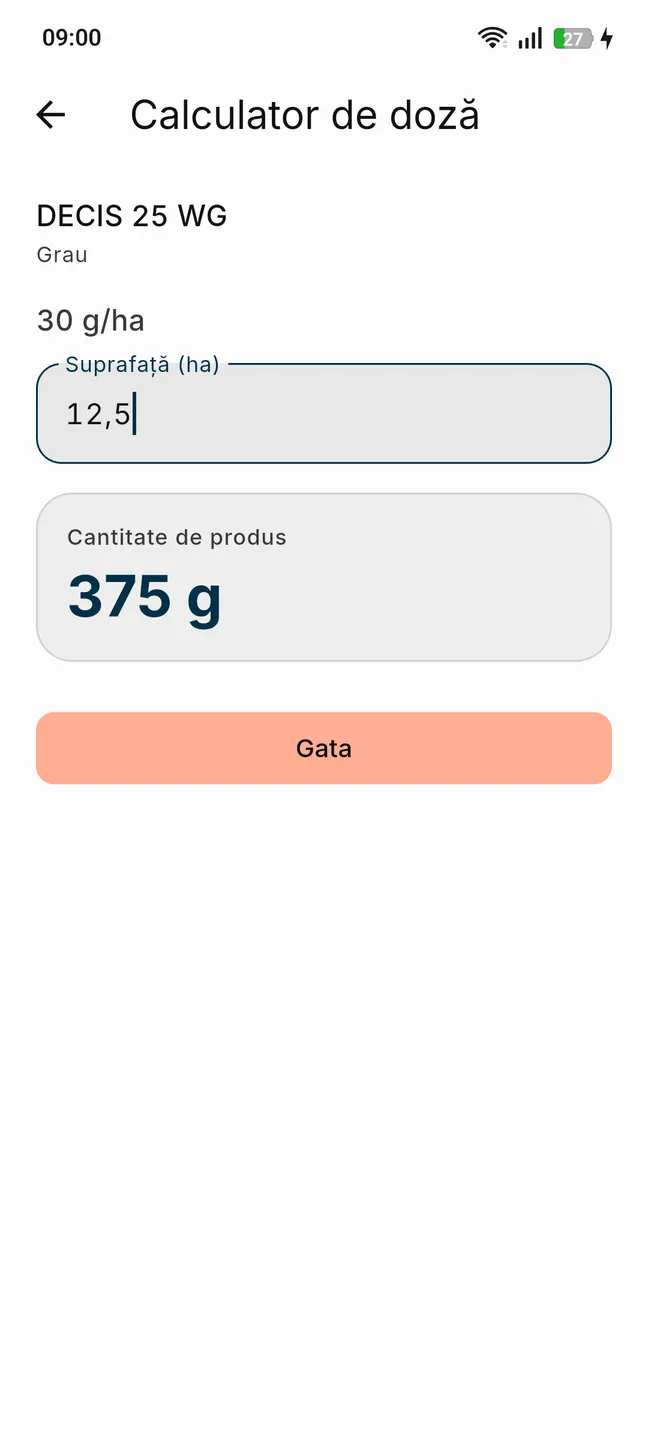
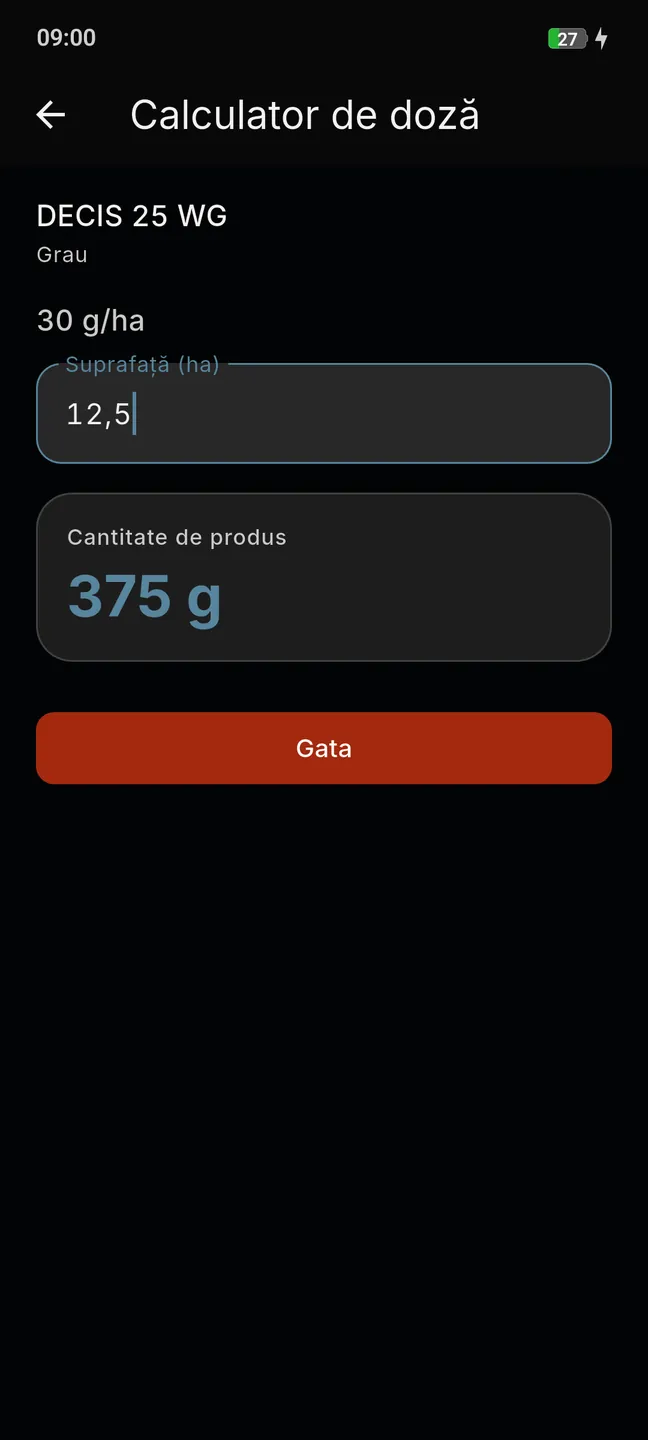
05Dose calculator
The exact amount, from the official dose
Enter the area and you get the amount of product, worked out from the registry's own dose — not from a guess.
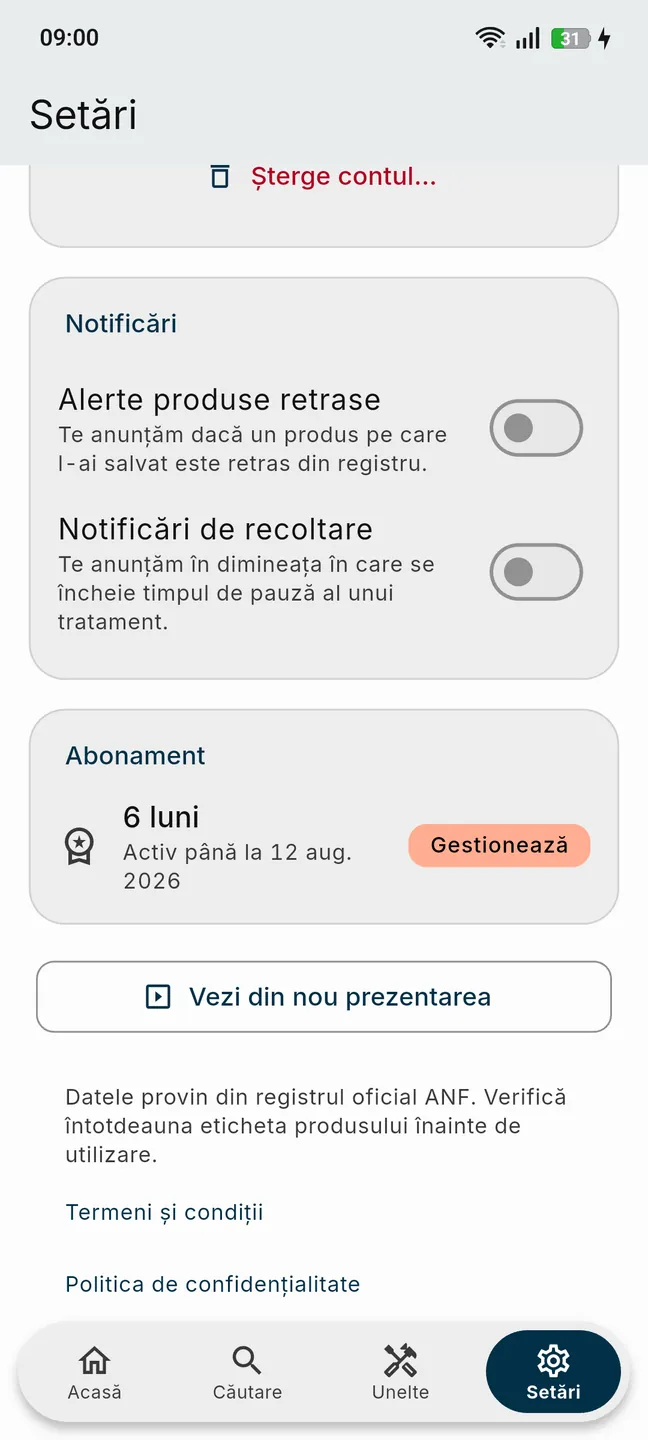
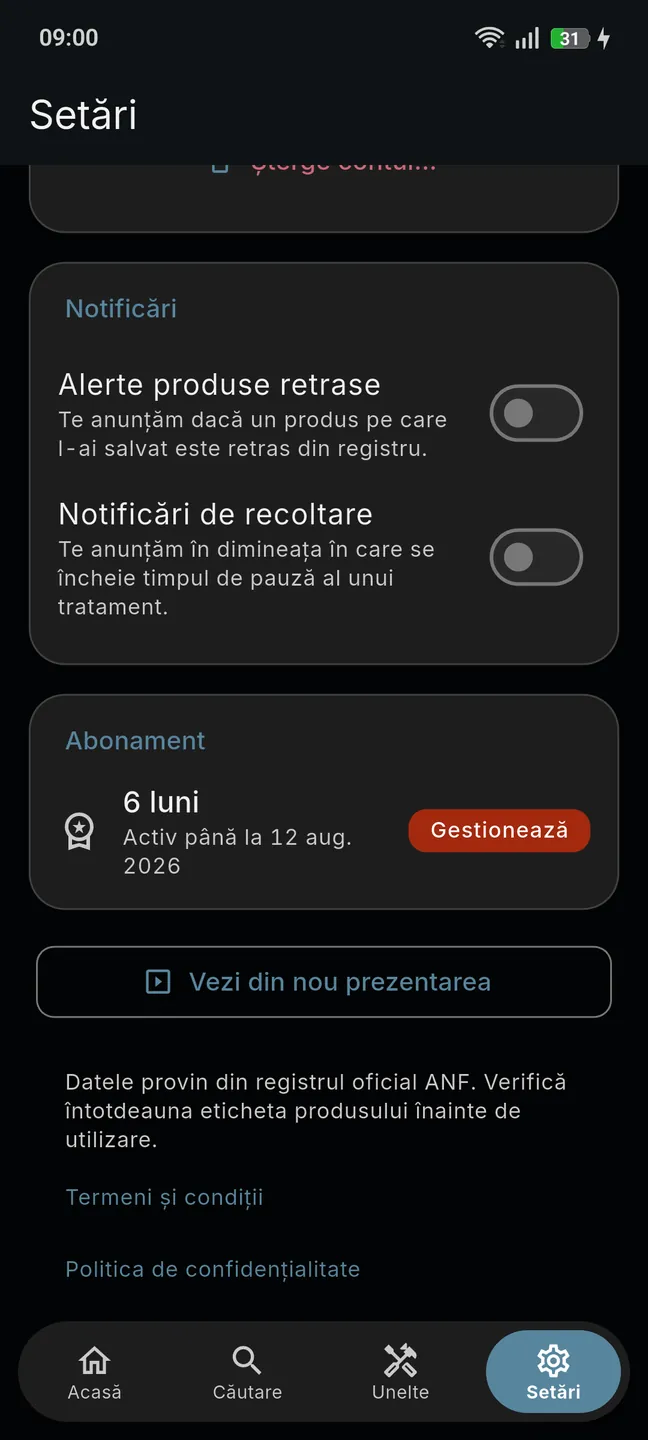
06Settings
The catalogue, the notifications and the account in one place
Catalogue sync, withdrawal alerts, language and theme, the subscription — and deleting your account, if you want to leave.
Getting started
Four steps, once — after that the app is yours
Install and sign in
Download the app from Google Play and sign in with your Google account in a single tap.
The catalogue lands on your phone
The national registry downloads to the phone — a few megabytes, verified on arrival.
Search instantly
Products, active substances, crops (wheat, maize, sunflower, plum, grapevine), diseases and pests — results appear as you type, offline.
Keep the register
Log the treatments as you carry them out, and export the treatment register as PDF or Excel whenever you are asked for it.

How we grow
The app is not finished — and it should not be
What comes next is set by the people who open it every morning: out in the field, behind the counter, or advising. Tell us what you are missing at work — that is where the next list starts.
Pricing
One subscription, no modules sold separately
For farmers and advisers
Personal subscription
Six-month or annual, at the prices shown in Google Play. Payment goes through Google Play.
What you get
- The full authorisation registry, offline, with updates
- A treatment logbook with PDF and Excel export
- The dose calculator and withdrawal alerts
- New features, included in the same subscription
One account, one active phone. No ads, and we do not sell your data.
For companies
Invoiced to your company
Companies, distributors, co-operatives and farms with several users: bank transfer against a proforma invoice. One activation code per member of staff, valid for 6 or 12 months depending on the plan. The price per user follows the plan you choose, six-month or annual. The steps, from the order to the activation codes, are on the FitoNova subscriptions for companies page.
Order online
Check your inbox
Your order has arrived. We have sent you an email with a confirmation link — the order only reaches us once you open it. If nothing turns up within a few minutes, please check your spam folder as well.
Questions
Frequently asked questions
Where does the data come from, and how current is it?
From Romania's national authorisation registry (PESTEXPERT), the official record of plant protection products. The catalogue reproduces every product, crop, dose and pre-harvest interval exactly as it appears there, with no recommendations of our own and no interpretation: from arable crops — wheat, maize, sunflower, oilseed rape — to the vineyard, the orchard and vegetables. It downloads to the phone the first time you open the app, a few megabytes, and sync brings over the published changes regularly, whenever the phone has internet.
Does it work with no signal, out in the field?
Yes, fully. You need the internet once, to sign in and download the catalogue; after that search, the product sheets, the logbook and the dose calculator all run from the phone's own storage, with no signal and no data used. As soon as you are back in coverage, sync picks up whatever has changed in the registry on its own.
Which phones does it run on?
Android phones, version 6.0 and up; the app installs from Google Play and you sign in with your Google account in a single tap. The interface is in Romanian, Hungarian, English and German, and the language can be changed at any time in Settings.
What happens if a product I use is withdrawn?
If a product in My products, or one you have entered in the logbook, loses its authorisation, you get a notification with the next catalogue update — you do not have to keep track of withdrawals yourself. The product sheet stays in the app, marked “Withdrawn”, with the expiry date and the authorised alternatives, so you can see what you applied and what may replace it. The difference between a withdrawn and a not authorised product is set out in the glossary of plant protection terms.
Can I see what changed in the registry since the last update?
Yes. When an update brings changes, the app opens a list of what is new in the registry: what has been withdrawn, what has been re-authorised and what has been added since the previous version. Separately from that, the home screen tells you when the catalogue was downloaded to your phone and which is the most recent authorisation certificate in it.
Can I compare two products, or send someone a product sheet?
Yes. A comparison puts two products side by side — the active substances, with the shared ones highlighted, the uses lined up on the same crop and the same pest, the doses and the pre-harvest intervals. You start one from the product sheet, from search by long-pressing two results, or from Tools. A product sheet, a single use or a comparison can be sent as text, for WhatsApp or SMS, or as a PDF, for email. The products you work with live in “My products”, and the app tells you six months, three months, one month and one week before one of their authorisation certificates expires.
Will the logbook hold up at an APIA or ANF inspection?
The logbook carries exactly the columns the official treatment register requires, and it exports as PDF or Excel, ready to hand over — there is nothing left to write up again. The app is not, and cannot be, “certified” by an authority: what it gives you is the required form, and entries made at the time of the work, not the inspector's verdict. As with any register, the accuracy of what you enter stays your responsibility.
Can I keep the logbook for several plots?
Yes. You describe a plot once — name, APIA code, area, crop — and then pick it in the logbook form: the plot name, the area, the crop and the quantity used fill themselves in, and all you do is check them. Each plot has its own page, with the history of the treatments on it and an export button of its own. At export you can narrow what comes out to one plot or several, to a year or to a date range — as well as by harvest state (all entries, only the unharvested, only the harvested), and by the entries you pick out by long-pressing.
Can I use my account on two phones?
One subscription means one active phone. When you change handsets you sign in with the same Google account, and your logbook, your products and your subscription come with you. If you have several people out in the field, the company channel issues one activation code for each of them.
How does a company pay for several employees?
Companies, distributors, co-operatives and farms with several users do not pay through the store: they settle by bank transfer against a proforma invoice, and the invoice follows the payment. Each employee gets a single-use activation code to enter in the app; the codes run for 6 or 12 months, depending on the plan. The cost per user follows the plans above, and you place an order from the form in the For companies section.
How much does the subscription cost?
The personal subscription is six-month or annual, at the prices shown in Google Play — the price there is always the current one, so we do not repeat it here. There are no modules sold separately and no “pro” edition: new features go into the subscription you already have, and the app carries no advertising. For companies the cost per user follows the same plans, and payment is by bank transfer against an invoice.
What happens when the subscription runs out?
The app asks you to renew before you can go any further, and the catalogue stops receiving updates — old phytosanitary data served as though it were current is more dangerous than a screen that stops you. Nothing is deleted: the logbook, the saved products and the history stay in your account and come back when you renew. A renewal that is still going through will not lock you out: there is a margin of a few days.
What happens to my data?
We do not sell users' personal data, we do not run ads, and this site sets no cookies. Your logbook and your products live on the phone and in your account, so you find them again after a change of handset. The account can be deleted in the app — Settings → Account → Delete account — or by following the steps on the account deletion page (RO); what we collect and how long we keep it is set out in the privacy policy (RO).